The Talk Tunisian app
Tunisian for the conversations you want to join.
Listen to everyday phrases, understand the words and keep the ones you want to use again.
Try a phrase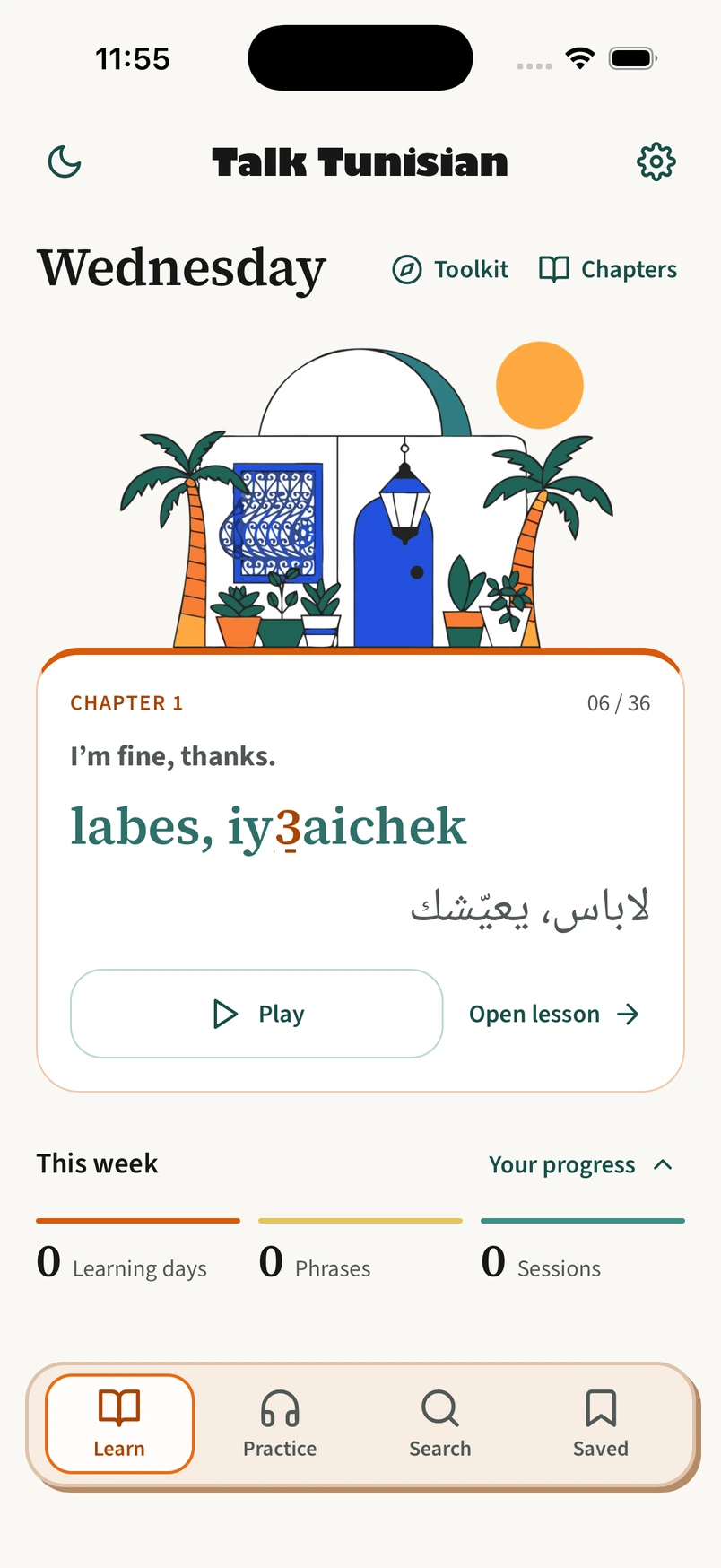
A café stop, in 30 seconds. Real app screens.
A 30-second promotional film with real app screens and editorial captions. Search for coffee, hear the recorded phrase, tap 9 for pronunciation help, discover what each word means, and save the phrase. Chapter 1 is free; the café example is from Chapter 6. This demonstration does not change app data. Optional editorial swishes and taps accompany the film, not the native app. Sound is off until you choose it.


A phrase, a little further
Don’t just repeat it.
Know what you’re saying.
A phrase becomes more useful when you can hear it, recognise its words and decide how to use it. Try the coffee order below.
Give your ear a moment.
Hear the real recording at its normal pace, slow it down, or repeat it with pauses to say it back.
Interactive website preview of the app’s tools.
Chapter 6 · Café life
I’d like a coffee, please.
nebb ahwa, iyaichek
نحب قهوة، يعيّشك
Select Listen to hear the phrase.
From recognising to remembering
Try saying it
before you look.
Meet introduces the phrase. Hear lets you listen before reading. In Use, the English meaning prompts you to say the Tunisian yourself, then check your answer.
A small practice example · Use
I’d like a coffee, please.
There’s room to explore.
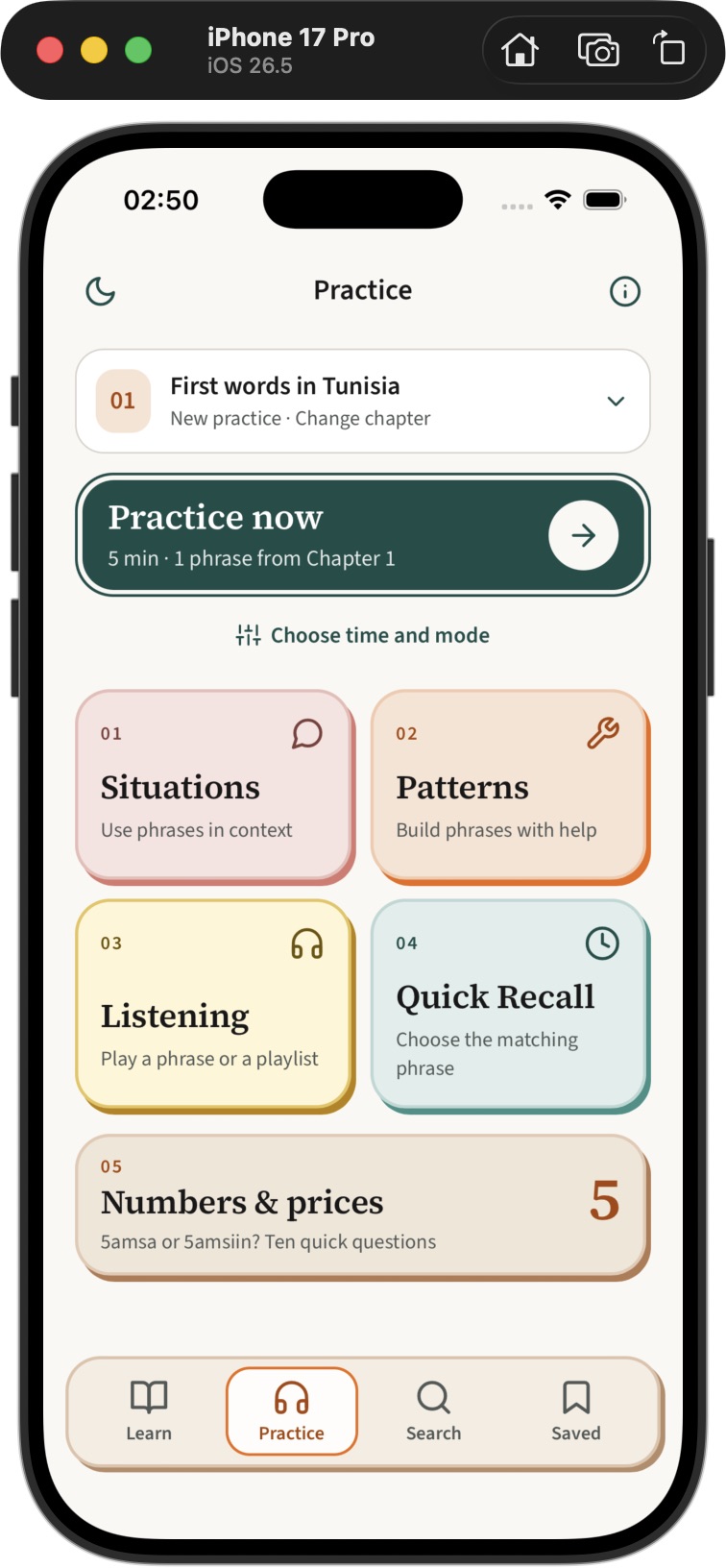
Build phrases with guided choices in Patterns, or practise a conversation in Situations. You don’t have to type to begin.
Make it personal
Keep the phrases you keep coming back to.
Bookmark a phrase to find it in Saved. When someone teaches you something new, add it to My own phrases, with an optional note to remember the occasion.
Your entries stay on your device.
- Meaning · English
- I’d like a coffee, please.
- Say it · Arabizi
- n7ebb 9ahwa, iy3aichek
- My note
- For ordering at a café.
Arabic script and a personal note are optional.
Start here
Your first words are free.
Chapter 1, included.
Begin with First Words in Tunisia: greetings, polite basics and phrases for talking about yourself.
One full-access subscription.
Open all 15 chapters, the Mini Dictionary and the complete Patterns and Situations collections.
Coming to iOS and Android. Price, billing period and store links will be confirmed at launch.
The book and app are separate offers.
A few useful answers
Questions about the app
Do I need to read Arabic?
No. Phrases include English meanings and Arabizi: Tunisian written with Latin letters and sound symbols such as 3, 5, 7 and 9. Arabic script is also there to read or show to someone.
What is Arabizi?
In Talk Tunisian, Arabizi is the Tunisian line written with Latin letters. Numbers stand for sounds that English letters don’t represent neatly: the 3 in 3aslema, for example, represents ع, not the number “three”. Tap 3, 5, 7, 9 or gh within a phrase for a sound tip; you can open All the sounds for the fuller guide.
Does every phrase have a recording?
Not yet. Some phrases are text-only; the app tells you when audio is unavailable. Where there is a recording, you can listen at the normal pace, slow it down or repeat it with pauses.
Can I add my own phrases and notes?
Yes. In Saved, open My own phrases. Add the English meaning and Tunisian wording, with optional Arabic script and a personal note. Notes belong to your own entries, rather than to the book’s authored phrases.
Will my progress and saved phrases sync?
They stay on the device you use and do not automatically sync between devices. Your personal phrases are stored there too. Restoring a purchase is separate from restoring local learning data.
What does the iPhone widget do?
Tunisian today displays a phrase of the day on your Home Screen. Tap it to open that phrase in the app. This is an iPhone feature, not an Android widget.
Prefer a page you can turn?
The same Tunisian, in a book.